
Complete Workflow
From first concern to connected care
Connect your staff web CRM with the client mobile journey—from personal plans and booking to follow-up and reporting.
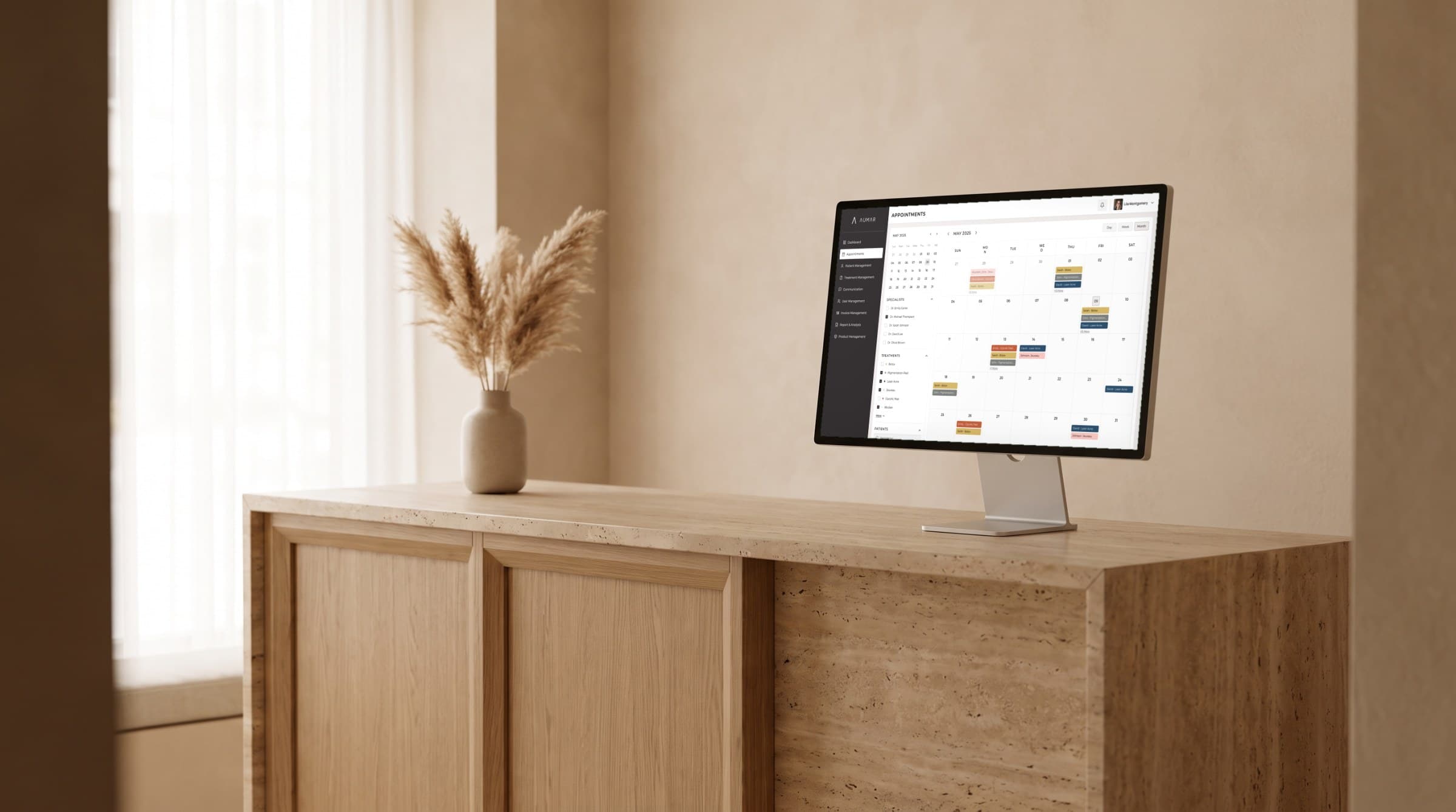
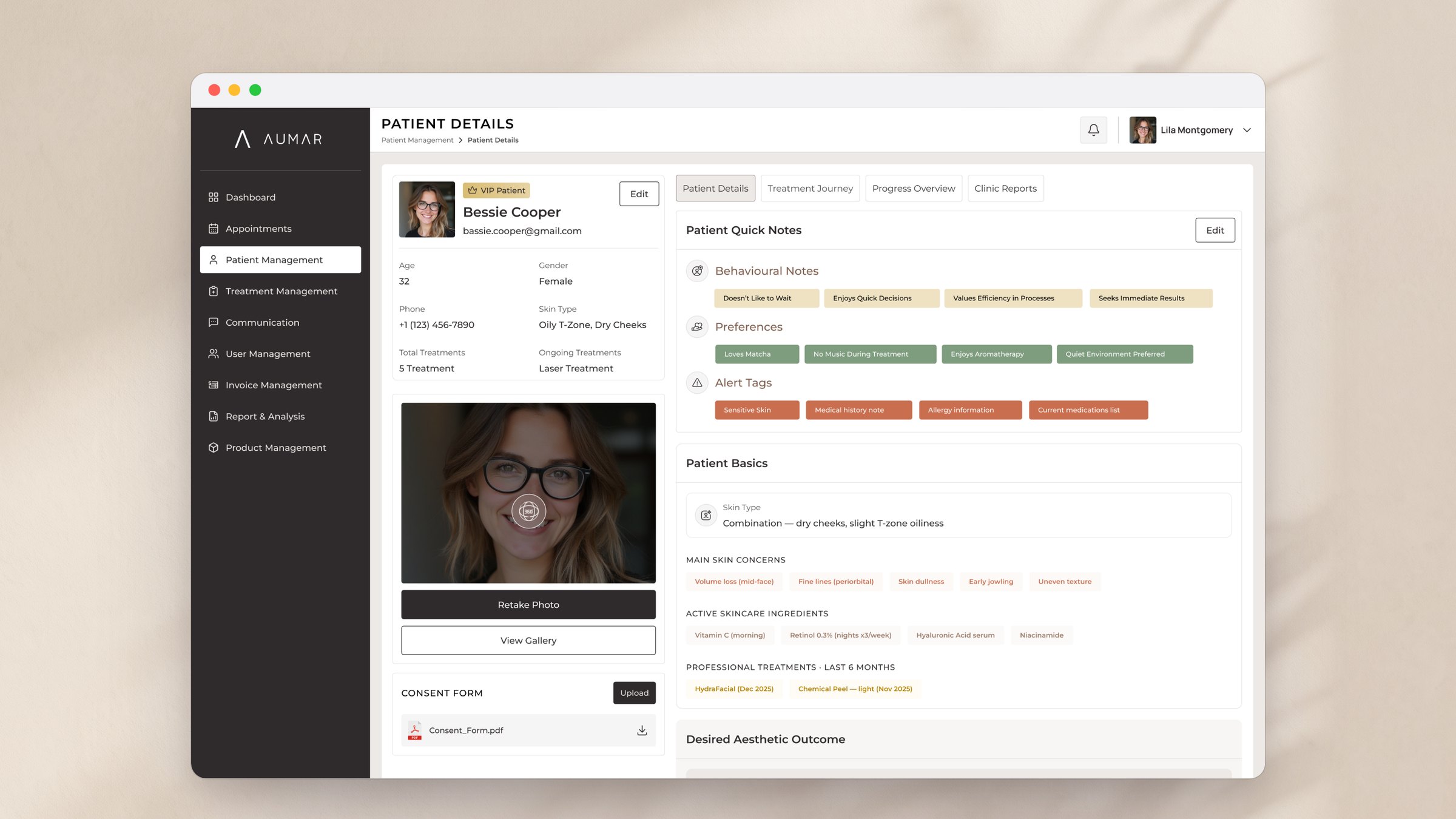
Staff web CRM
Client mobile journey
Clinic reporting
Step by Step Overview
Understand the client → Plan their care → Book and coordinate → Follow up and improve
01
Understand the client
Input: Client concerns, goals, notes, photos, and treatment history.
Output: A shared client profile for clinicians and reception.
02
Plan their care
Input: Client preferences and clinician-led treatment recommendations.
Output: A personal plan with treatments, routines, and clear next steps on mobile.
03
Book and coordinate
Input: Planned treatments and preferred days and times.
Output: Coordinated appointments, with a manual booking path when needed.
04
Follow up and improve
Input: Visit notes, client questions, treatment history, and clinic reporting.
Output: Between-visit support and a reviewed plan for the next appointment.
"Every visit builds on the last."
Keep personal plans, appointments, and follow-up connected. Optional microbiome insights can add context when relevant; they are not required for the platform.